
MattyGreen
Music and Mess...
Anyone else seen the new Material Look that YouTube will be changing too soon? I tried to enable it but couldn't figure it out!
Thoughts?
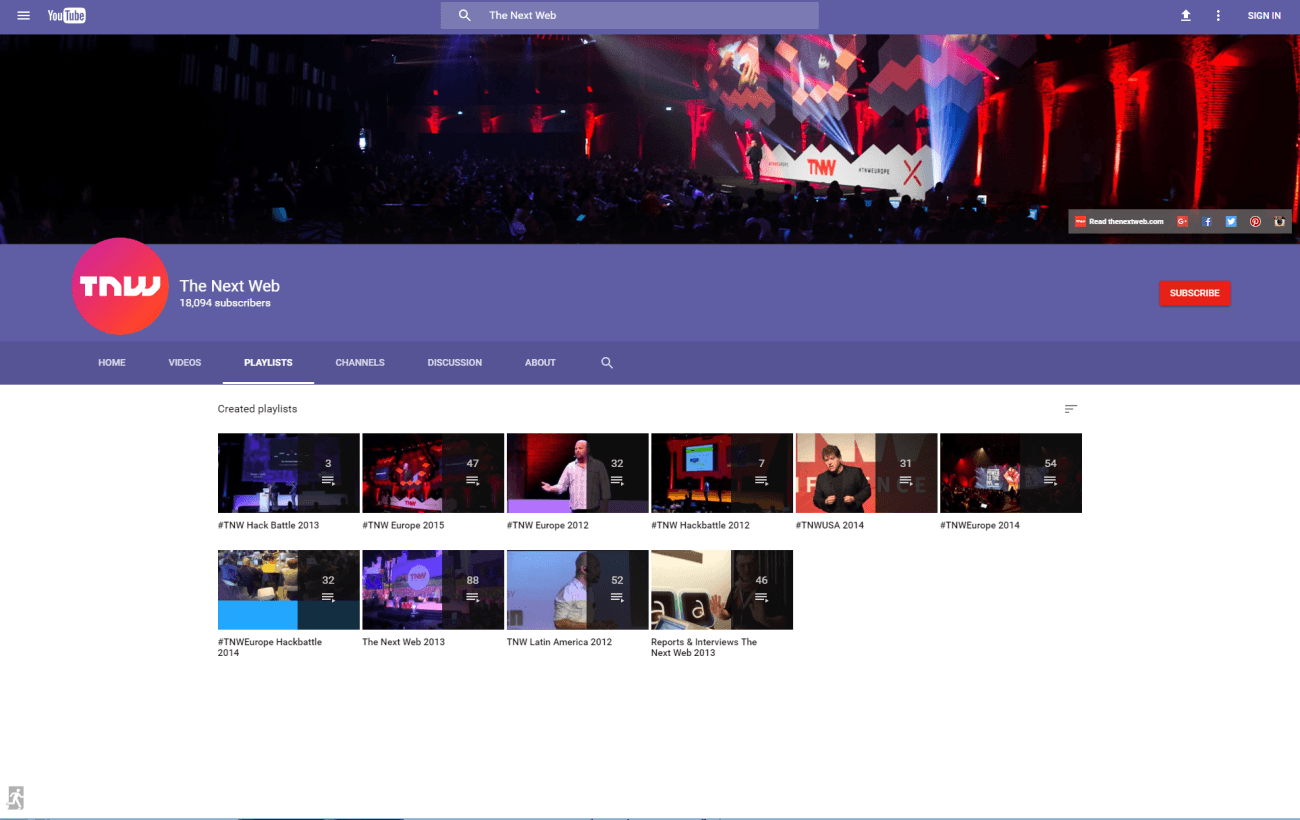
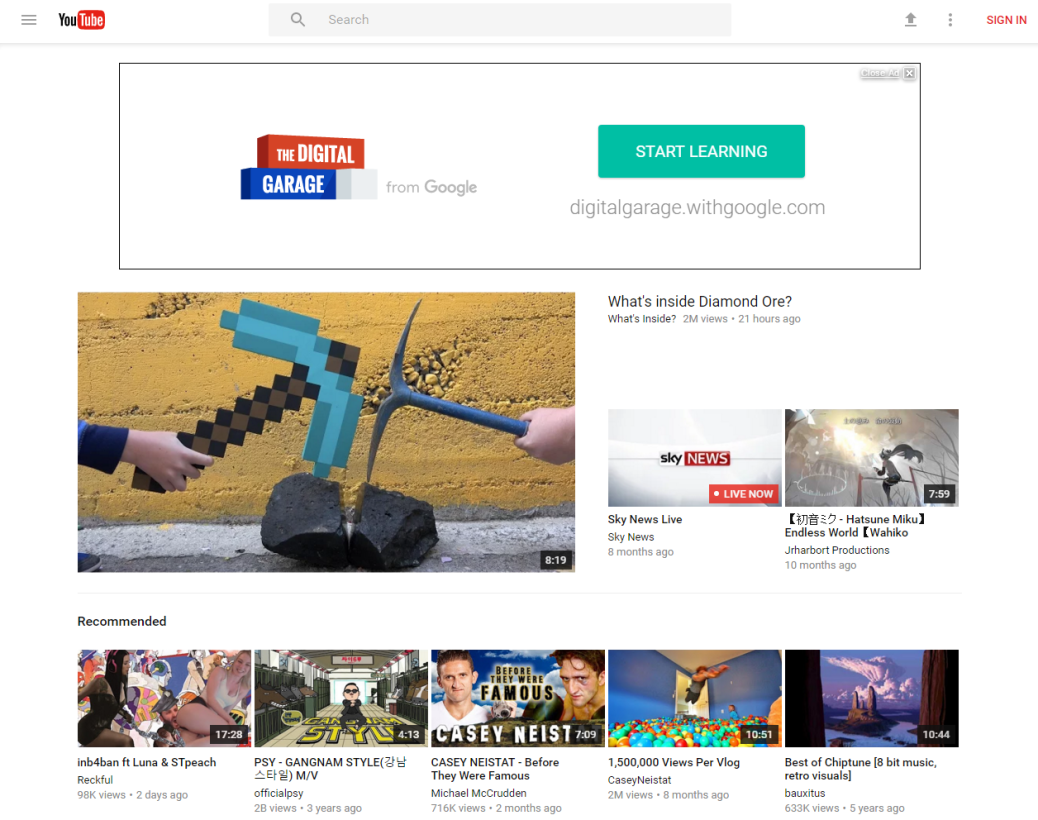
Thoughts?

Same. I like how channels will have more color to them now though because could help separate channels from each other.I had not seen this at all, so thanks for sharing! I don't know how I feel about it. Maybe I just don't like change but I'm not 100% convinced.


Sick! I tried all this and couldn't get it working, I may try again after Uni but thank you for screen shots!Hmm... I think this is still in beta testing and is only active on a few select channels.... But you can give the new YouTube layout a whirl if you log out! ^^
This site has the instructions, but I'll add some screenshots:
reddit.com/r/youtube/comments/4h0vlv/youtube_material_design_anyone_know_anything/d2mgbjn
1. Open Chrome... I don't think it works that well on other browsers yet.
2. Logout of YouTube and make sure you are set to view as US / World Wide instead of a specific country --
i.e. go to this website: youtube.com/?gl=US
3. Using the Browser's file menu, go to View --> Developer --> Developer Tools
View attachment 35338
It should open this window -- mine appeared on the right:
View attachment 35339
4. Click the "Resources" tab. It might be in the ">>" thing if your window is too small:
View attachment 35340
5. Go to your YouTube cookies and delete the "VISITOR_INFO1_LIVE" cookie
View attachment 35341
6. Click on "Console" and type this:
document.cookie="VISITOR_INFO1_LIVE=Qa1hUZu3gtk;path=/;domain=.youtube.com";
Hit enter and reload the page! ^^
As long as you stay logged out and use Chrome, you can browse around with the new layout! : D I think I like it more than the current layout! ^-^


Probably pretty soon since you can already enable it through dev tools. I think within the next few months it'll go live after beta testingyeah ive never even seen this before it looks sick to me though anyone know when theyre dropping this layout?


